Start with the right POS for your business.
Thakali kitchen or momo counter, clothing store or kirana pasal: one set of apps, set up for the way your business sells.
From the first chiya to the last order.
Tables, tabs and tickets for cafes, restaurants, bars, bakeries and kitchens that only deliver.
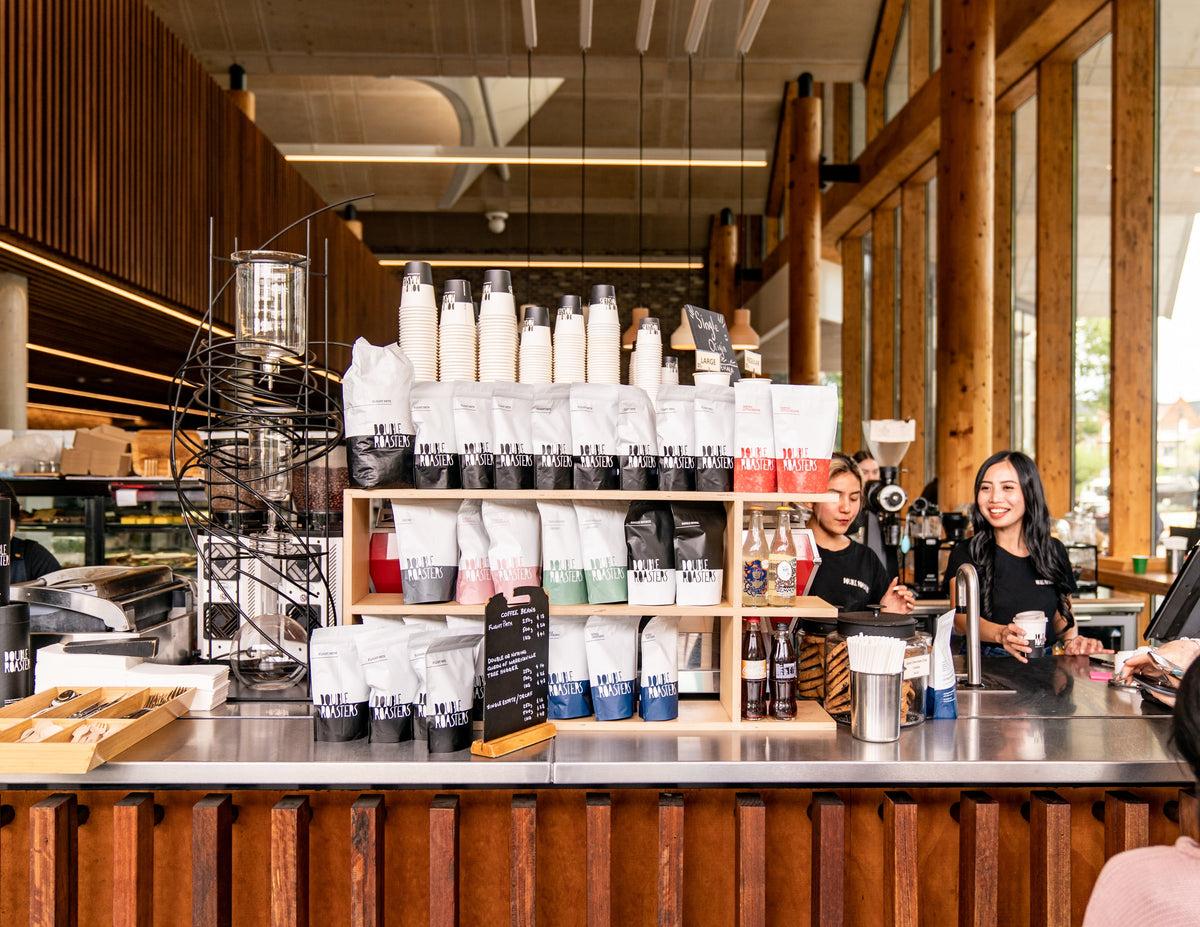 Coffee shops & cafes
 Full service & Thakali
 Quick service & momo
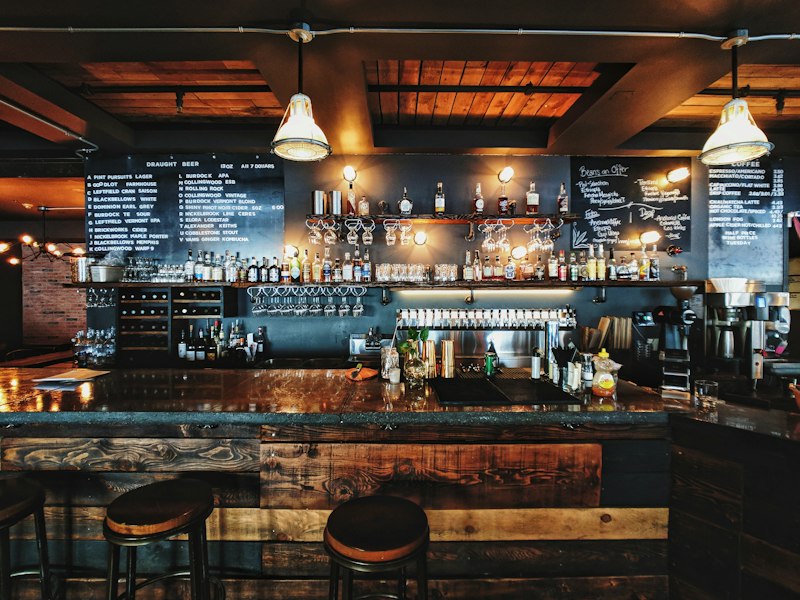 Bars, pubs & lounges
 Bakeries & patisseries
 Cloud kitchens & delivery
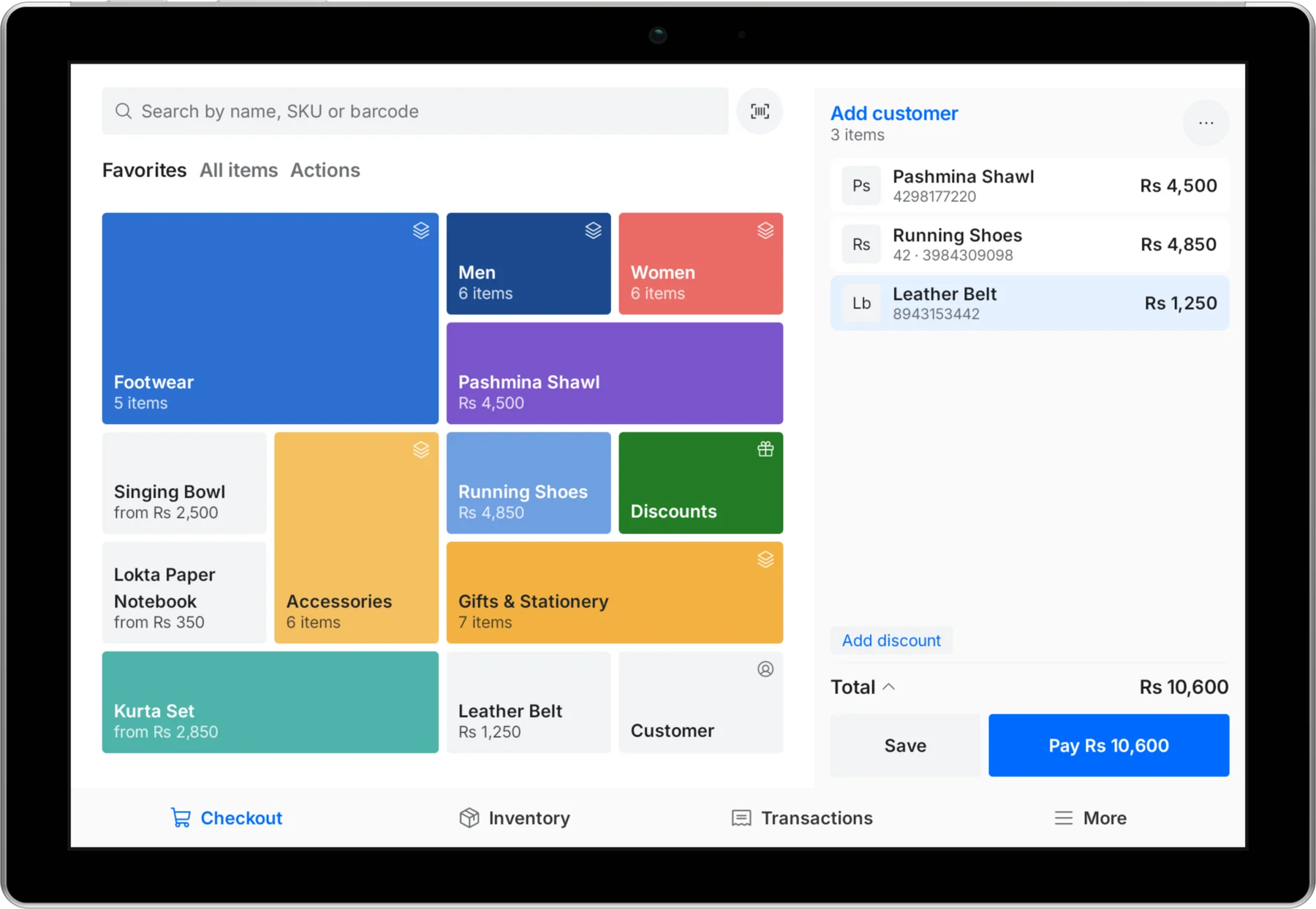
Scan, sell and know what's on the shelf.
The same POS in Retail mode: barcodes, sizes and colours, returns and stock for every location.
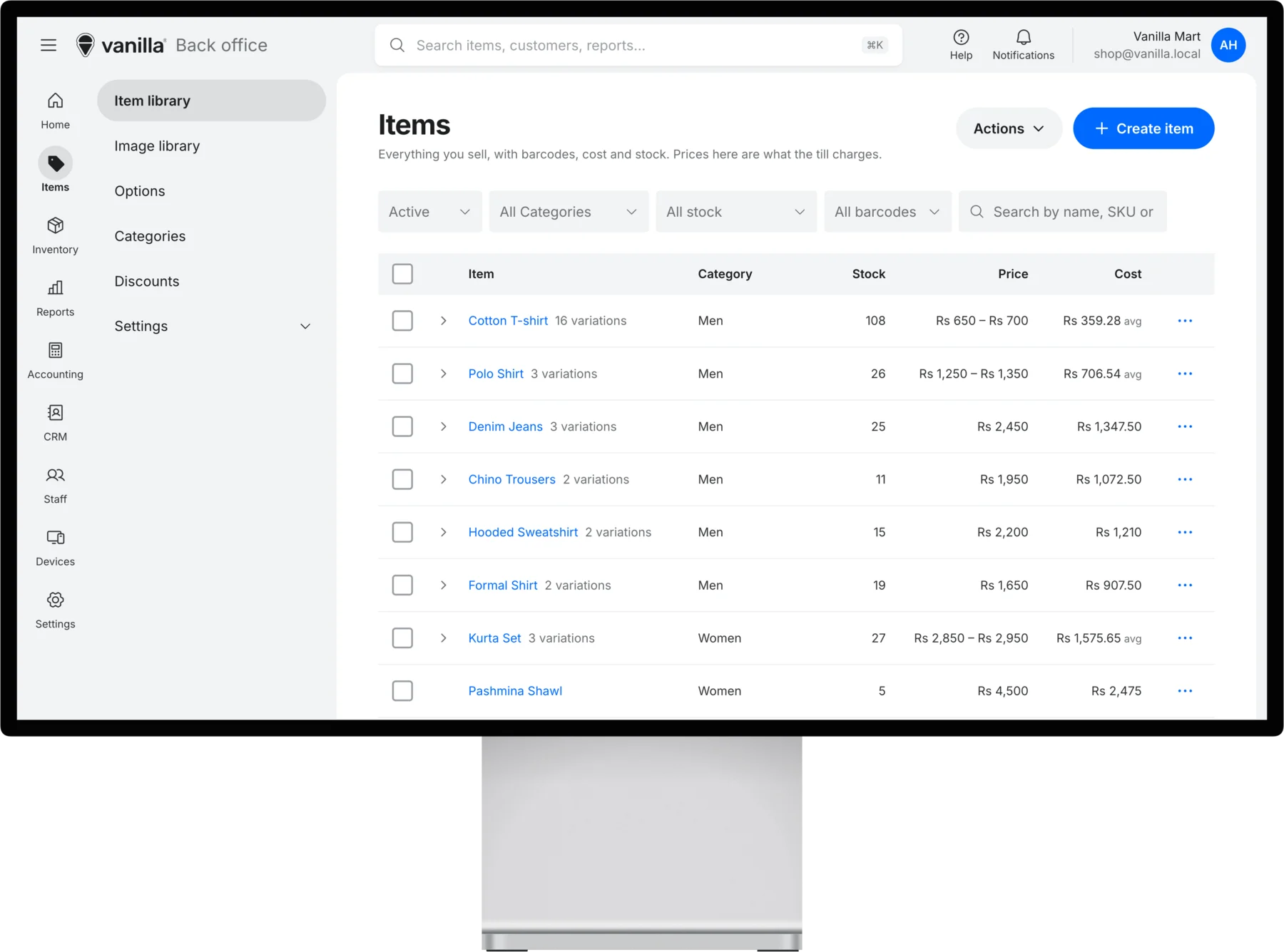
- Sizes and colours as variations, with SKUs like POLO-M-BLU
- Price labels sent from the back office to the Windows POS
- Exchanges that carry the credit to the new sale
- Scan EAN barcodes; an unknown code sells as an open item
- Batches with expiry, sold first-expiring-first
- Stock in pieces, kilos, litres or your own pack sizes
- Expiry dates kept on every delivery
- Barcode scanning at the counter
- Loyalty points that bring regulars back
- Thousands of products, found in a scan or by SKU
- Import your catalogue from Excel
- Count stock by scanning the shelf
- Several barcodes per product
- Returns checked against the original invoice
- Margins worked out from what each piece cost you
- Lot numbers and expiry on every delivery
- Expired batches written off in one step
- Low-stock alerts in your inbox each morning
- Purchase orders and supplier bills in one place
- Transfers between shops and stores
- Thousands of parts, found by barcode or SKU

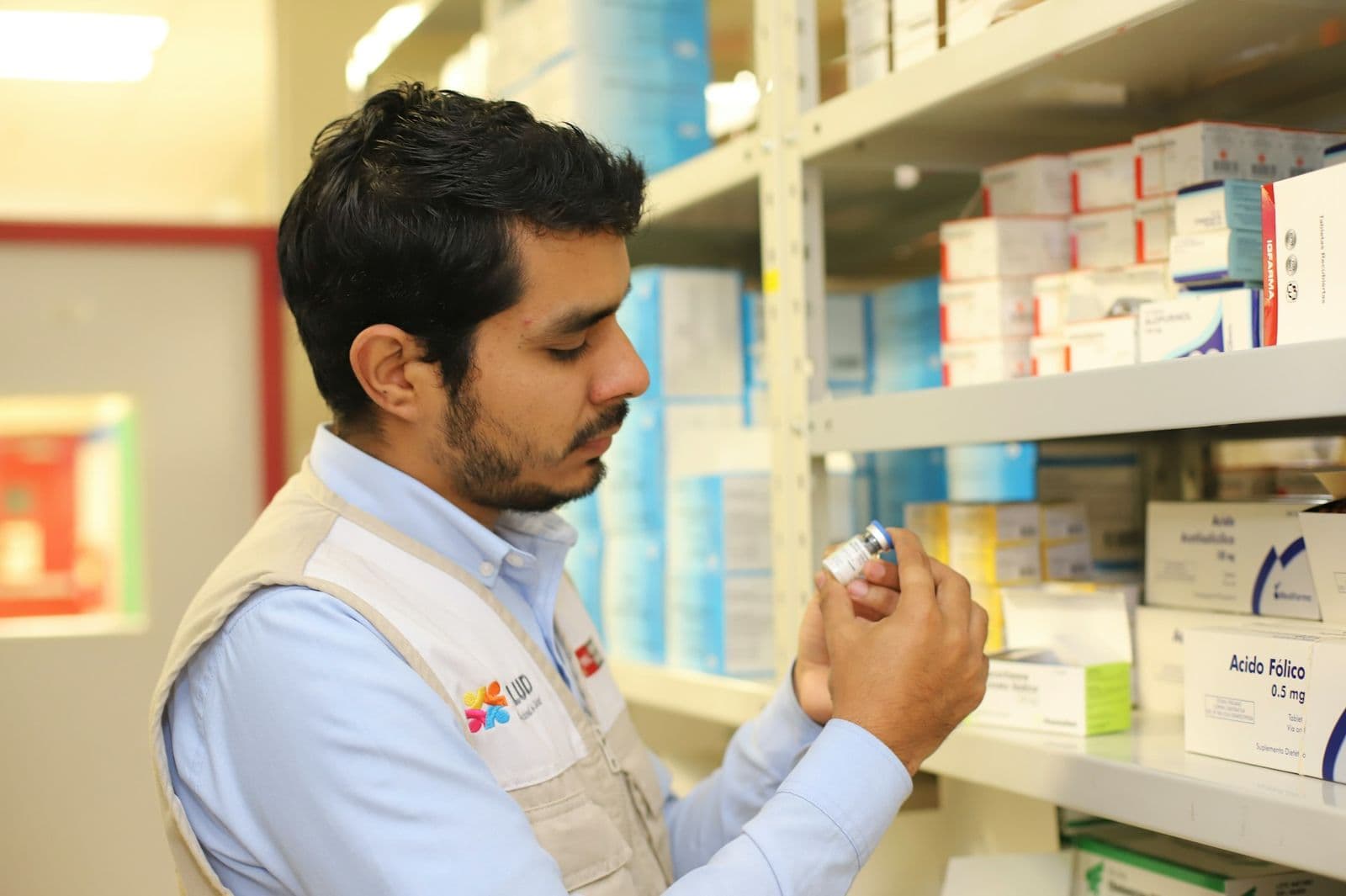
Everything that happens at the counter, and after.
Every plan includes the POS, the back office and IRD-ready invoices. These are the rest.
Take payments
Cash, card terminals and QR wallets on one screen, with the total always matching the invoice.
- Fonepay Dynamic QR and Khalti
- Split a bill by item, pay with any mix
- Cash drawer opens on cash sales
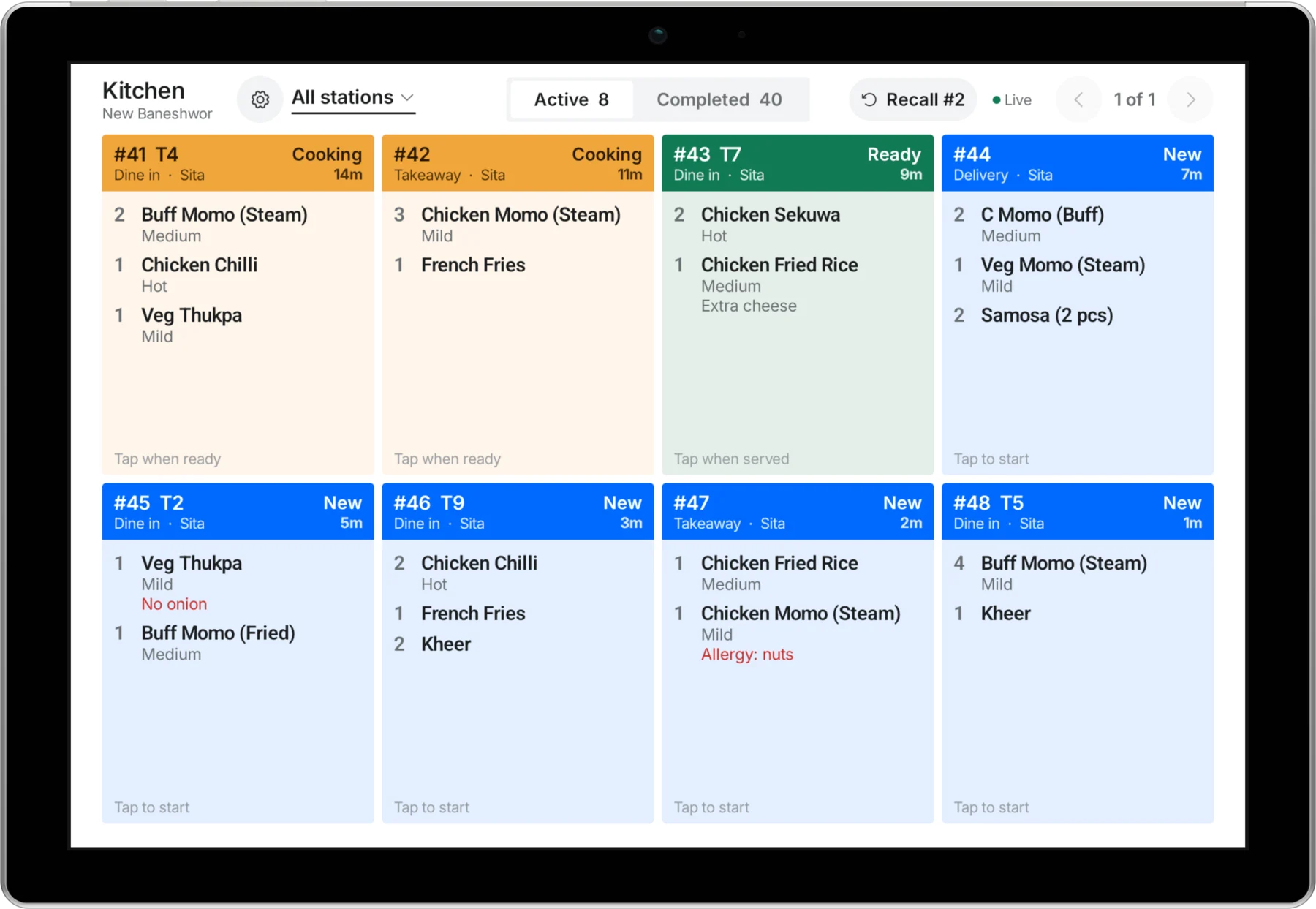
Run the floor and kitchen
Orders go from the table to the right station the moment they're sent.
- Floor plans with live table status
- Kitchen and bar screens with ticket timers
- Tickets reach the kitchen over Wi-Fi when the internet is down
Sell by barcode
Scan, search by name or SKU, and charge. Built for shops with thousands of products.
- Several barcodes per product, check digits verified
- Open-price items for anything unlabelled
- Import products and opening stock from Excel
Sizes, colours and labels
Make every size and colour in one step and print the labels for them.
- Variations with their own SKU, price and stock
- Price labels on the Windows POS's label printer
- Pick size, then colour, at the POS
Returns and exchanges
Find the sale from its receipt and refund or swap in a few taps.
- Scan the receipt's barcode to find the sale
- Credit notes issued the way IRD expects
- Returned items go back into stock
Track stock
One stock ledger for every location, from delivery to sale.
- Recipes deduct ingredients on every sale
- Purchase orders, deliveries, batches and expiry
- Counts, transfers and waste, even offline
Keep customers coming back
Know your regulars and reward them.
- Customer directory shared by every location
- Loyalty points earned and spent at checkout
- Email campaigns to regulars and lapsed customers
Manage your team
Everyone signs in with their own passcode and sees only what their role allows.
- Roles and permissions for voids, discounts and refunds
- Time clock and timesheets
- Monthly sales targets per person
IRD invoices and VAT
Gap-free tax invoices dated in Bikram Sambat, and VAT figures ready for your return.
- CBMS reporting with your own IRD login
- Sales register in IRD's sales book columns
- VAT summary by Nepali month
Know your numbers
Sales, margins and profit from the same figures as your invoices.
- Sales by item, category, team member and hour
- Product margins and cost of goods
- Profit and loss with your expenses
Keep selling offline
When the internet drops, the POS keeps going and catches up on its own.
- Orders, cash and card payments work offline
- Staff sign in offline on their own POS
- Invoices issued in order once it syncs
Run several locations
One back office for every branch, with stock and access kept per location.
- Stock and transfers per location
- Branch managers see only their branches
- Reports for one location or all of them
Ready to sign up?
Free menu and product upload, and staff training across Kathmandu, Lalitpur and Pokhara.
